Remote Monitoring for Generators – What to Track and Why
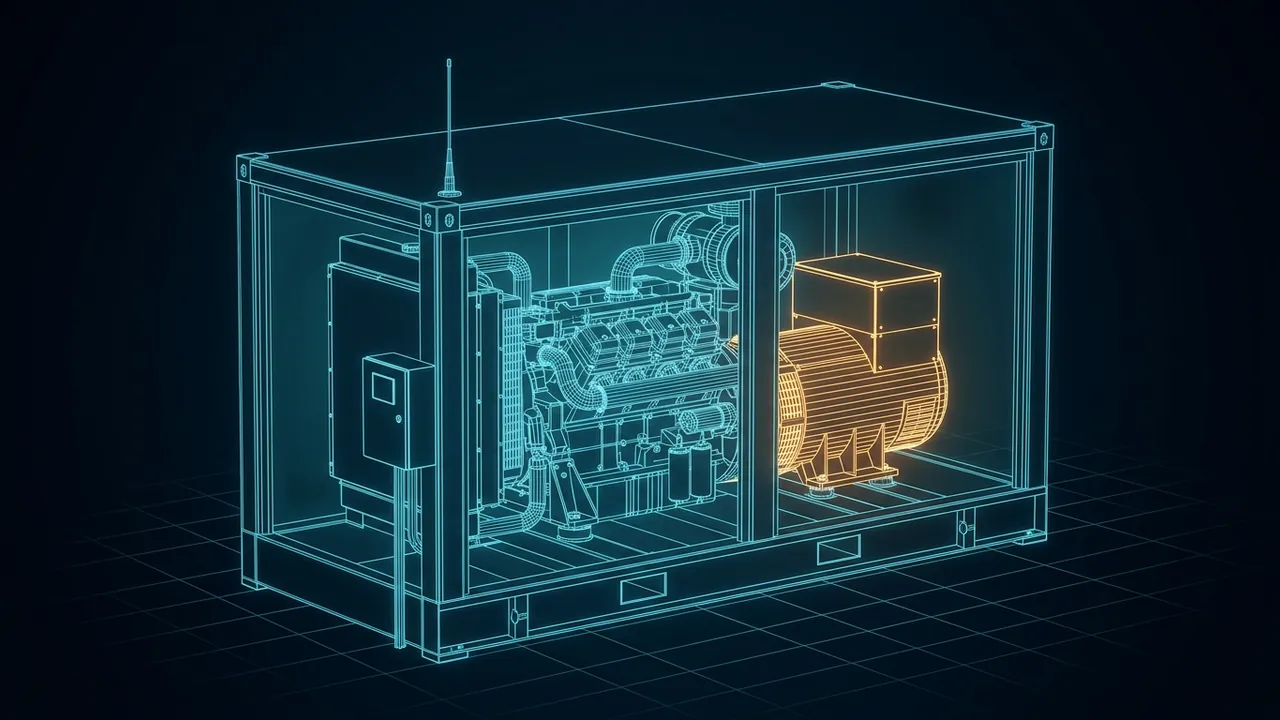
A generator that nobody is watching is a coin flip. It might start when the utility drops, or it might sit there with a dead starting battery and a low coolant level that nobody noticed for three weeks. On a remote pad running on prime power, the generator is the only electricity for miles. Generator remote monitoring turns that coin flip into something you can manage from a phone. Which generator readings matter most, and how do you set up alerts that help instead of annoy?
Generator remote monitoring means reading a generator's controller data over a network so you can see its status, alarms and trends without being on site. The essentials are engine health (oil pressure, coolant temperature, speed, starting battery voltage), fuel supply, electrical output (voltage, frequency, current and kW), run hours and every active fault or shutdown.
For standby units, transfer switch position and the results of each test run matter just as much. A good setup sends a few prioritized alarms to the right people, logs everything else for trending, and lets you plan maintenance on actual run hours instead of guesses.
Why Monitor a Generator Remotely at All?
Because the failures that hurt are usually visible days ahead. A starting battery voltage that sags a little more each week, a block heater that stopped working before a cold snap, a fuel level drifting down from a slow leak: each shows up in the data long before it becomes an outage.
The use case changes with the job the generator does:
- Standby units (hospitals, data centers, telecom sites) sit idle most of the year. Monitoring proves they are ready, records every exercise run and confirms they carried load during an outage.
- Prime power units (wellsites, remote camps, off-grid loads) run constantly. Monitoring catches trends that predict failure and tracks hours for service.
- Rental and fleet units move from site to site. Monitoring adds location, utilization and fuel use for billing and dispatch.
What Should You Track on the Engine?
Start with the readings that predict a shutdown. These are the ones I would never skip:
- Oil pressure, with low-pressure warning and shutdown alarms.
- Coolant temperature and coolant level, for both overheating and a failed block heater on standby units.
- Engine speed, since frequency follows speed on a synchronous generator.
- Starting battery voltage, because weak batteries are one of the most common reasons a standby generator fails to start.
- Fuel: tank level for diesel, or supply gas pressure for natural gas units.
- Run hours and number of starts, which drive the maintenance schedule.
Gas engines add a few more worth logging. Exhaust temperatures by cylinder, air-to-fuel ratio control status and catalyst temperatures point to combustion problems and emissions issues early. Gas quality matters here too, because rich or contaminated field gas can cause knock and forced derates.
What Should You Track on the Alternator and Output?
The electrical side tells you whether the generator is doing its job and whether the load is behaving. Track voltage and current on each phase, frequency, real power (kW), reactive power (kVAR) and power factor. Phase imbalance and a power factor drifting away from normal can reveal problems in the loads, not just the generator.
Larger alternators also have winding temperature sensors and sometimes bearing temperature or vibration. Those are worth logging on any unit that runs continuously, because they catch cooling and bearing issues before they turn into a rewind or a replacement.
What About the Transfer Switch and Test Runs?
On standby systems, the automatic transfer switch (ATS) is half the story. Monitor its position (normal or emergency), whether utility power is present and how long each transfer took. A generator that starts perfectly but never transfers load has still failed.
Test runs belong in the record as well. NFPA 110, the standard for emergency and standby power systems, classifies systems by how fast power must return and how long they must run without refueling, as Consulting-Specifying Engineer explains in its NFPA 110 design guide. It also calls for regular exercise under load. Remote monitoring makes that record automatic: start time, load carried, duration and any alarms. If your site falls under a code or permit, check with the authority having jurisdiction for the exact testing and recordkeeping it expects.
How Does the Data Get From the Generator to You?
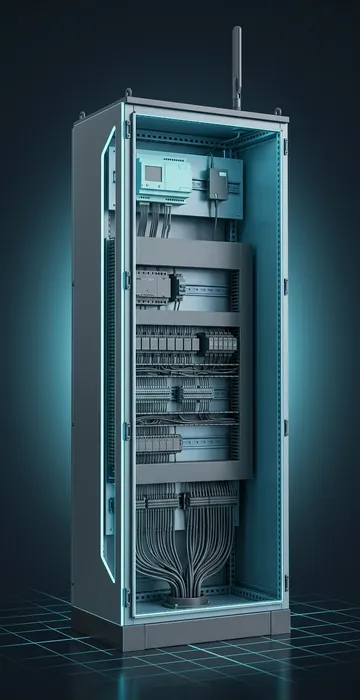
The generator's controller already knows almost everything above. The job is getting it off site. A typical path looks like this:
- The controller exposes data over Modbus (serial or TCP) or the engine's J1939 data bus.
- A gateway, cellular modem or site RTU reads those values and adds any extra sensors, such as a fuel tank level or enclosure door switch.
- The data travels by cellular, satellite or radio to a cloud portal or the company SCADA host.
- Alarms go out by text, email or app notification, while everything else lands in a historian for trending.
Many manufacturers sell their own monitoring portals that plug straight into their controllers. On a site that already has SCADA, it often makes more sense to pull generator data into the same system through the existing RTU or PLC. If you are deciding which box should do that job, our comparison of RTU vs PLC covers the trade-offs at a remote site.
How Do You Set Alarms Without Drowning in Them?
Set alarms in tiers, and send each tier to a different audience. This is where most monitoring projects go wrong. Someone turns on every alert the controller offers, phones buzz all day, and within a month people stop reading them.
| Tier | Examples | Who gets it |
|---|---|---|
| Shutdown | Low oil pressure shutdown, overspeed, high coolant temperature shutdown, fail to start | On-call technician, immediately, with escalation if not acknowledged |
| Warning | Low fuel, low battery voltage, block heater failure, high exhaust temperature | Maintenance team during working hours |
| Information | Test run completed, run hours milestone, load trends | Logged for reports, no notification |
Add a short delay to alarms that flicker, so a momentary dip does not wake anyone. Review the alarm list every few months and kill any alert that never leads to action.
Should You Allow Remote Start and Stop?
Many systems allow it, and it is useful for running an exercise or stopping a unit that is misbehaving. But treat remote control with caution. A generator can start without warning while a technician is working on it, so remote start must respect the site's lockout and tagout procedures and the controller's local "off" position. Only trained, authorized people should have that permission, and the remote connection needs proper security, not a default password. Work on generators, fuel systems and switchgear is for qualified technicians only.
How Does Monitoring Change Maintenance?
It moves service from the calendar to the hour meter and the trend line. Gas engine makers schedule work by operating hours. Clarke Energy, a Jenbacher distributor, describes routine service every 1,000 to 2,000 hours and major overhauls at 60,000 or 80,000 hours. Knowing the true hours on every unit lets you plan crews, parts and outage windows instead of reacting.
Trends add a second layer. Oil pressure that slowly drops, exhaust temperatures that spread apart between cylinders or a battery that takes longer to recover after each start are signals to schedule a visit before something breaks.
Generator Remote Monitoring Pays for Itself the First Night It Matters
Generator remote monitoring is not complicated. Track engine health, fuel, electrical output, run hours and faults, plus the transfer switch and test results on standby units. Get the data off site through a gateway or your existing SCADA, and send only the alarms that need a human.
Start with one page that covers three things: what each generator does, who responds when it fails, and which five alarms deserve to wake someone up. Build the system around that page, and everything else is just logging.