How Do You Secure a Remote Industrial Site? – OT Security Basics
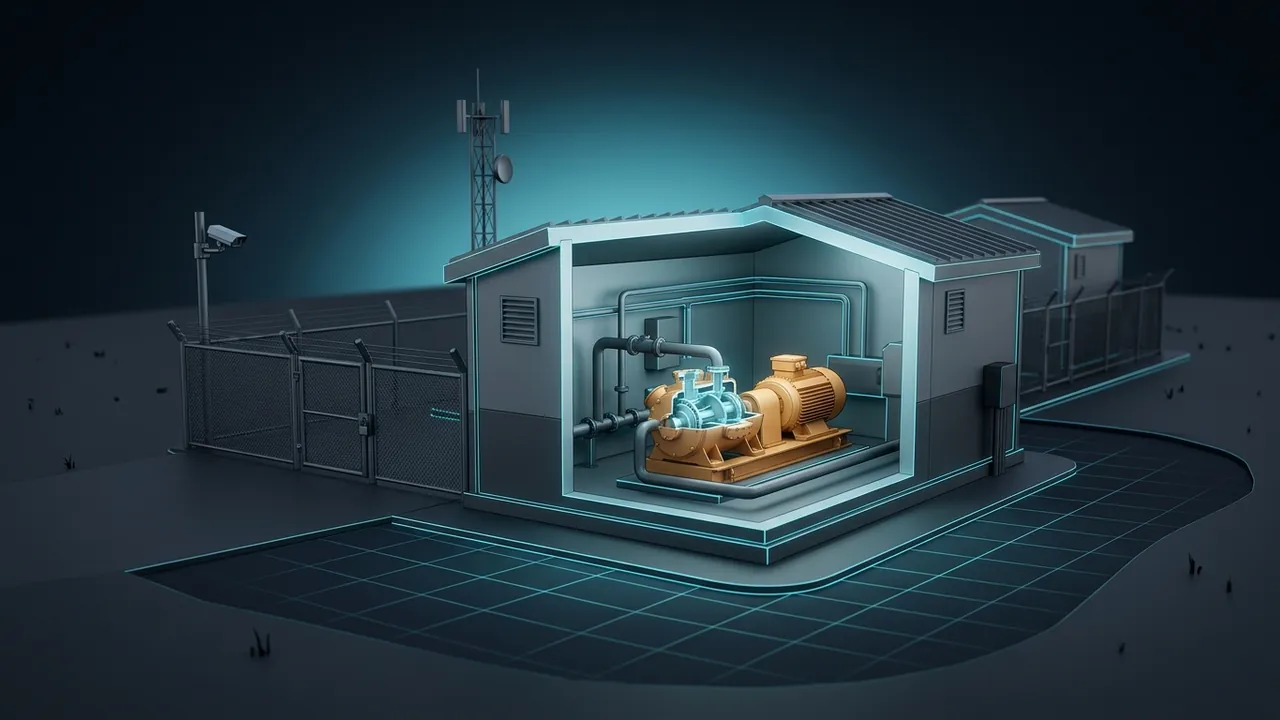
Remote sites used to be protected by distance. A pump station or wellsite was hard to reach, and its controllers spoke on private radio networks almost nobody else understood. Then came cellular modems, satellite links, vendor remote access and dashboards on phones. Every one of those made operations better, and every one opened a new door. How do you secure a remote industrial site, and what does good OT cybersecurity look like in practice?
You secure a remote industrial site by knowing every connected device, separating control networks from business networks and the internet, locking down remote access, and being ready to run and recover if something gets in. OT cybersecurity (operational technology security) protects the systems that move and control physical things, such as RTUs, PLCs, SCADA servers and safety systems.
Its first goal is safe, continuous operation, not just protecting data. The basics are an asset inventory, network segmentation, encrypted remote access with multi-factor login, changed default passwords, careful patching, monitoring and tested backups. Standards such as ISA/IEC 62443 and free federal resources give operators of any size a clear starting point.
How Is OT Cybersecurity Different From IT Security?
The priorities flip. Office IT security usually ranks confidentiality first: keep the data private. In OT, availability and safety come first, because a frozen controller or a wrong command can stop production, damage equipment or hurt someone.
That changes how you do the work. You cannot reboot a compressor controller on a Tuesday afternoon because a patch came out. Many field devices run for fifteen or twenty years, use protocols like Modbus that have no login at all, and were never designed to sit on a network anyone outside the company could reach. Security controls that are routine on laptops can break an industrial process if applied carelessly.
Why Are Remote Sites Hard to Secure?
They combine the weak points of OT with the realities of the field:
- Nobody is on site most of the time, so tampering can go unnoticed.
- Older controllers and protocols trust any message they receive.
- Cellular modems are sometimes installed with public internet addresses and default passwords.
- Vendors and contractors need remote access, often through tools nobody tracks.
- Patching means a truck roll and a maintenance window.
- Small operators may not have a dedicated security person at all.
Real incidents show what is at stake. Attackers cut power to a large number of customers in Ukraine in December 2015 by taking over grid control systems. In 2017, malware known as Triton targeted a safety instrumented system at a petrochemical plant. In 2021, a ransomware attack on Colonial Pipeline's business systems led the company to shut down the pipeline as a precaution. The lesson from all three: IT and OT problems spill into each other.
What Are the Basics of OT Cybersecurity?
The fundamentals are not exotic, and most of them cost more time than money. Here are the controls that do the most good, roughly in the order to tackle them.
1. Know What You Have
You cannot protect devices you do not know exist. Build an inventory of every controller, modem, radio, switch, server and HMI, with its location, firmware version, network address and how it connects. Many operators are surprised by what turns up, such as a forgotten modem a contractor installed years ago.
2. Segment the Network
Keep control networks separate from business networks and the internet. A common reference is the Purdue model, which stacks systems in levels from field devices at the bottom, through controllers and SCADA, up to business systems at the top, with a buffer zone (a DMZ) between operations and the office. The ISA/IEC 62443 standards describe the same idea as "zones and conduits": group systems by risk and tightly control the paths between them.
3. Lock Down Remote Access
Remote access is one of the most common ways in. No field device should be reachable directly from the internet. Use encrypted VPNs, require multi-factor login, route vendor access through a single monitored jump server, and grant it only for the time a job needs. For cellular sites, a private network setup from the carrier keeps modems off the public internet.
4. Fix the Easy Stuff
Change every default password, turn off services and ports that are not needed, and remove old user accounts. These steps sound basic because they are, and attackers count on them being skipped.
5. Secure the Links Themselves
Every radio, cellular and satellite link is a path into the control network. Turn on encryption where the radios support it, since older licensed and unlicensed SCADA radios often ship with it off. Use VPN tunnels across cellular and satellite links. Protect the keys for low-power sensor networks the same way you protect passwords. A link you did not encrypt is a link you are trusting to stay obscure.
What About People, Vendors and Contractors?
People are part of the system, and most incidents start with a person: a clicked email link, a reused password, a laptop carried from site to site. Field staff do not need to become security experts, but they should know what normal looks like and who to call when something seems off, like an HMI moving on its own or a strange USB drive in a control cabinet.
Vendors and contractors deserve their own rules. Put security requirements in contracts, require named accounts instead of shared logins, and remove access when the job ends. Ask how a vendor connects to your equipment for support, and make sure that path runs through your monitored remote access system rather than a tool they installed on their own. Laptops that plug into control networks should be checked and kept for that purpose only.
How Should Remote Sites Handle Patching?
Carefully and based on risk. Not every vulnerability matters equally, and not every device can be patched quickly. Start with systems that face outside networks, such as firewalls, VPN gateways, remote access servers and SCADA servers, and keep those current.
For field controllers, test updates on a spare or a single site first, then schedule them during planned maintenance. Where a device cannot be patched, use compensating controls: tighter firewall rules, fewer allowed connections and closer monitoring. Document the decision so it gets revisited.
How Do You Know If Something Is Wrong?
Watch the network and the logs. OT networks are usually predictable, with the same devices talking to the same servers in the same patterns. That makes unusual traffic stand out, such as a new device, a controller talking to the internet or a configuration change at 2 a.m. Industrial network monitoring tools are built to understand these protocols and flag changes.
Physical signals count too. Door contacts, cabinet tamper switches and cameras tell you when someone opens an enclosure at an unattended site, and those alarms belong in the same place as cyber alerts.
What Should a Recovery Plan Include?
Assume something will eventually get through, and plan to keep operating safely. A good recovery plan for remote sites covers:
- Current backups of every RTU, PLC and HMI configuration, stored offline and tested.
- A way to run critical sites manually or shut them in safely if SCADA is down.
- Clear contacts and decision rights: who can order a shutdown, who calls vendors, who talks to regulators.
- Steps to isolate a site or a network segment fast.
- Practice. A tabletop exercise once a year finds gaps before an attacker does.
OT Security Controls at a Glance
| Control | What it stops | Effort |
|---|---|---|
| Asset inventory | Forgotten, unmanaged devices | Moderate, then ongoing |
| Segmentation and firewalls | Attacks spreading from IT to OT | Moderate to high |
| VPN, MFA and jump server | Stolen passwords, open remote access | Moderate |
| Default password changes | The easiest break-ins | Low |
| Monitoring and logs | Attacks that go unnoticed | Moderate |
| Offline backups and drills | Long outages after an incident | Low to moderate |
Where Can Smaller Operators Get Help?
More places than most people realize. The CISA industrial control systems program offers advisories, free training, assessment tools and voluntary performance goals for critical infrastructure. The ISA/IEC 62443 series gives asset owners, integrators and suppliers a common set of requirements, which is useful when writing purchase specs.
Build security into every new project from the start. As the digital oilfield connects more wellheads, tanks and compressors to the office, each new link should arrive with segmentation, secure remote access and an owner, rather than having security bolted on later. Asking vendors how their equipment meets those requirements before you buy costs nothing.
Good OT Cybersecurity Starts With Knowing Every Door
Securing a remote industrial site is a list of habits more than a product: know every device, separate control networks from everything else, lock down remote access, fix the basics, patch with care, watch for unusual activity and be ready to run manually and recover. OT cybersecurity puts safety and uptime first, which is why it looks different from office IT security.
None of this needs a massive budget to start. It needs an inventory, a few firm rules about remote access and someone accountable.
If you do only one thing after reading this article, take one field area and write down every device in it that connects to anything. The forgotten modem or the vendor tool nobody tracks usually turns up within a day, and every other control here builds on that list.