Edge vs Cloud – Where Should Remote Site Data Be Processed?
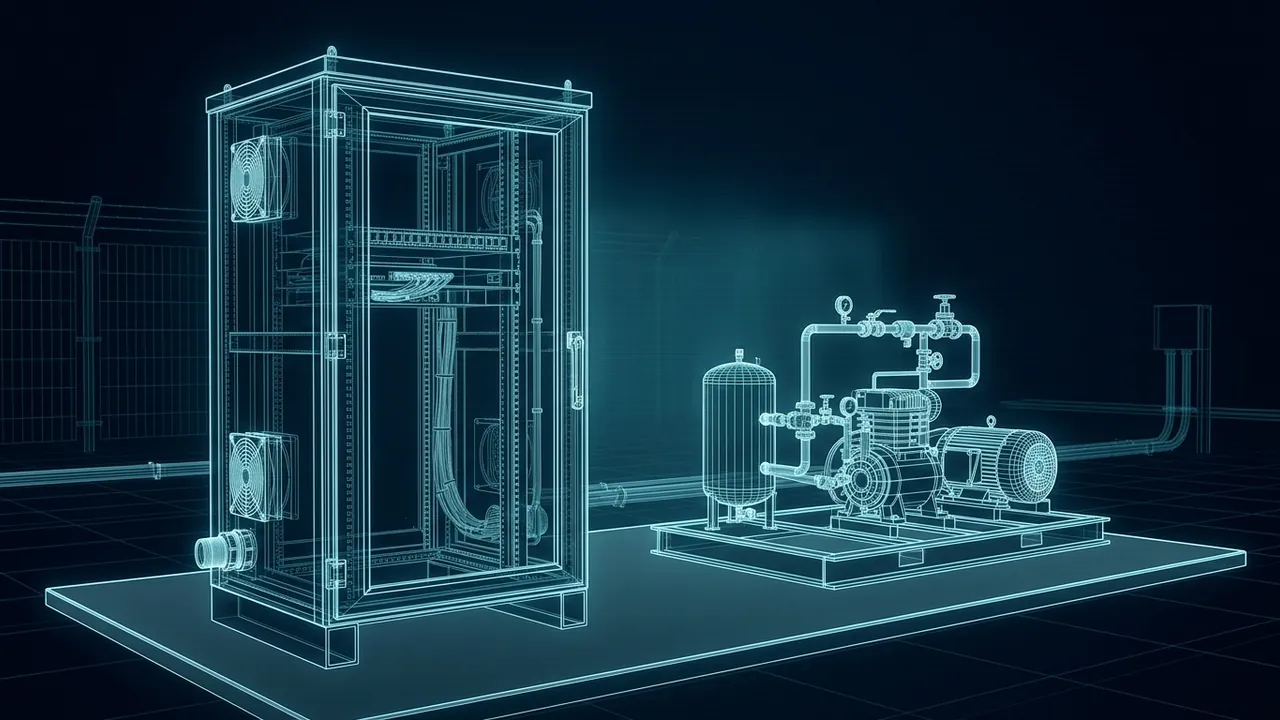
Every remote site makes data faster than it can comfortably send it. Pressures, flows, vibration readings, camera feeds and alarms all pile up, and the link back to the office is usually the narrowest pipe in the system. Send everything to the cloud and you pay for bandwidth and wait on latency. Keep everything local and nobody outside the fence can see it. In the edge vs cloud decision, where should remote site data be processed?
Process data at the edge when it needs a fast response, must keep working when the link drops, or is too large to send economically; send it to the cloud when it benefits from a fleet-wide view, long-term storage or heavy analysis. The edge vs cloud question is rarely either-or.
A good remote design runs control and first-pass analysis on site, then sends summaries, events and selected raw data to a central system. Video and high-speed vibration data almost always get filtered at the edge. Trends, reports and comparisons across hundreds of sites belong in the cloud or a central data center.
What Is the Difference Between Edge and Cloud Computing?
It is mostly about location. Edge computing happens close to where data is created, on a controller, gateway or small server at the site. Cloud computing happens in large remote data centers that you rent capacity from, reached over a network.
There is a middle layer too. NIST's fog computing conceptual model describes computing spread through the network between devices and the cloud, so analysis can happen closer to the data and cut the delay of a round trip. For a field operation, that middle layer might be a server at a central compressor station that serves dozens of surrounding pads.
When Should Data Be Processed at the Edge?
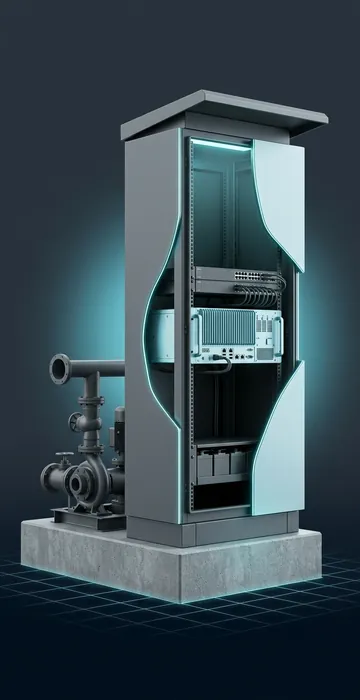
Run four quick tests. If any of them comes back yes, that piece of work belongs on site.
Does It Need a Fast Response?
Control loops, shutdowns and safety logic need answers in milliseconds to seconds. A geostationary satellite link adds roughly half a second or more for every round trip, before the server even starts working. No safety function should wait on that. Even fast links can drop without warning.
Must It Work When the Link Is Down?
Remote links fail. If a function has to keep running during an outage, such as recording data, controlling a compressor or storing video of an intrusion, it has to live at the site.
Is the Data Too Big to Send?
Some data is simply too heavy for a remote link. Here is a worked example for one vibration sensor on a compressor:
- Sampling: 10,000 samples per second on 3 axes, 2 bytes per sample
- Raw rate: 10,000 × 3 × 2 = 60,000 bytes per second
- Per day: 60,000 × 86,400 = about 5.2 GB
Multiply by several sensors and the raw stream outgrows most satellite and cellular plans. An edge computer can turn that stream into a few health numbers per minute and send only those, plus raw snapshots when something looks wrong.
Do Rules Keep the Data Local?
Some companies require that certain operational data stay on their own systems. That is a policy question for your security and legal teams, but it often pushes processing to the edge or to a private data center.
When Does the Cloud Win?
The cloud wins whenever the value comes from seeing many sites at once or from computing power you do not want to own. Typical cloud jobs include:
- Comparing production, downtime and energy use across a whole fleet.
- Storing years of history cheaply and keeping it backed up.
- Running heavy analytics or reports that would overwhelm a small site computer.
- Sharing data with engineers, partners and dashboards anywhere.
- Avoiding hardware at the site that someone has to patch, cool and replace.
Cloud services also scale on demand. If an engineering team needs a large burst of computing for a study, renting it for a week is far cheaper than buying servers that sit idle the rest of the year.
Edge vs Cloud Side by Side
| Factor | Edge | Cloud |
|---|---|---|
| Response time | Milliseconds | Depends on the link, tens of ms to over a second |
| Works offline | Yes | No |
| Bandwidth needed | Low, sends summaries | High, if sending raw data |
| Fleet-wide view | Limited | Strong |
| Hardware care | On you, at every site | On the provider |
| Cost model | Up-front hardware | Ongoing usage fees |
What Does a Good Hybrid Design Look Like?
Most well-run remote operations use three layers, each doing what it does best.
- Device layer: RTUs, PLCs and smart sensors handle control and raw measurement.
- Site edge: a gateway or small server buffers data, runs local screens, filters video and vibration, and keeps everything recorded during outages.
- Central layer: the cloud or a company data center stores history, runs fleet analytics and feeds dashboards.
The glue is store-and-forward. When the link drops, the edge keeps data with timestamps. When the link returns, it sends the backlog in order. Lightweight publish-and-subscribe protocols such as MQTT help by sending values only when they change, which can cut bandwidth well below what fixed polling uses.
What Should the Edge Send Upstream?
Send what the central team will actually use, and keep the rest on site for a while in case someone asks. A useful starting split looks like this:
- Always send: alarms, events, status changes and summary values such as hourly averages, daily totals and run hours.
- Send on change: process values that move, using a deadband so tiny wiggles do not count as changes.
- Send on request: raw high-speed data and video clips, pulled when an engineer is looking into a problem.
- Keep local: continuous video and raw vibration streams, stored on a rolling basis for days or weeks.
Deadbands deserve a closer look because they quietly control bandwidth. If a pressure reading only reports when it moves more than 1 psi, a stable line might send a handful of updates an hour instead of one every second. Set the deadband too wide, though, and slow trends disappear. Agree on the numbers with the people who use the data.
How Does the Choice Affect Security?
Both options can be secure, and both can go badly wrong. Edge equipment sits in places with weak physical security, so it needs locked enclosures, encrypted disks and remote management that is not exposed to the internet. Cloud systems need strict access control, because a single misconfigured account can expose data from every site at once.
The safest hybrid designs have field sites push data out through an encrypted connection rather than letting outside systems reach in. That keeps the control network closed to inbound traffic while the cloud still gets what it needs.
What Hardware Does the Edge Need at a Remote Site?
That depends on the workload. A gateway that buffers SCADA data can be a fanless box drawing a few watts. A site that records several cameras and analyzes vibration needs a real server, storage, backup power and cooling.
Once the equipment fills more than a shelf, it helps to treat it like a tiny data center. A micro data center packages racks, power protection, cooling, fire suppression and monitoring into one enclosure, which is often the cleanest way to put serious computing at a remote site.
How Do the Costs Compare?
Edge costs are mostly up front: hardware, enclosures, power and the trips needed to install and maintain them. Cloud costs are mostly ongoing: compute, storage and data transfer fees, plus the bandwidth to get data there in the first place. On satellite or metered cellular links, that bandwidth can be the largest line item.
A fair comparison runs five years and includes truck rolls, link fees and the cost of downtime. Edge often wins for data-heavy sites. Cloud often wins for many small sites that send little data.
A Quick Edge vs Cloud Checklist
- List every data stream at a typical site, with its size and how often it changes.
- Mark anything that must respond in under a second or work during an outage. That stays at the edge.
- Mark anything too large for the link. Filter or summarize it at the edge.
- Mark anything that needs a fleet view or long history. Send it to the cloud.
- Price five years of each design, including link fees, hardware and site visits.
Edge vs Cloud: Give Each Job to the Side That Does It Best
The rule for remote site data fits in one sentence: put anything fast, critical or heavy at the edge, and send summaries, events and history to the cloud. That split keeps sites safe when the link drops, keeps bandwidth bills under control and still gives engineers a fleet-wide view.
Make a simple table for one typical site: every data stream, how fast it needs an answer and how big it is. Run each row through the four tests above, and the split usually sorts itself out before anyone opens a vendor catalog.